APNS Certificate Integration
Exporting a PKCS 12 Certificate
To integrate Apple Push Notification Services (APNS) with EZ-Push, a .p12 (PKCS 12) certificate must be exported from macOS Keychain Access.
Steps:
- Open Keychain Access and locate the desired certificate.
-
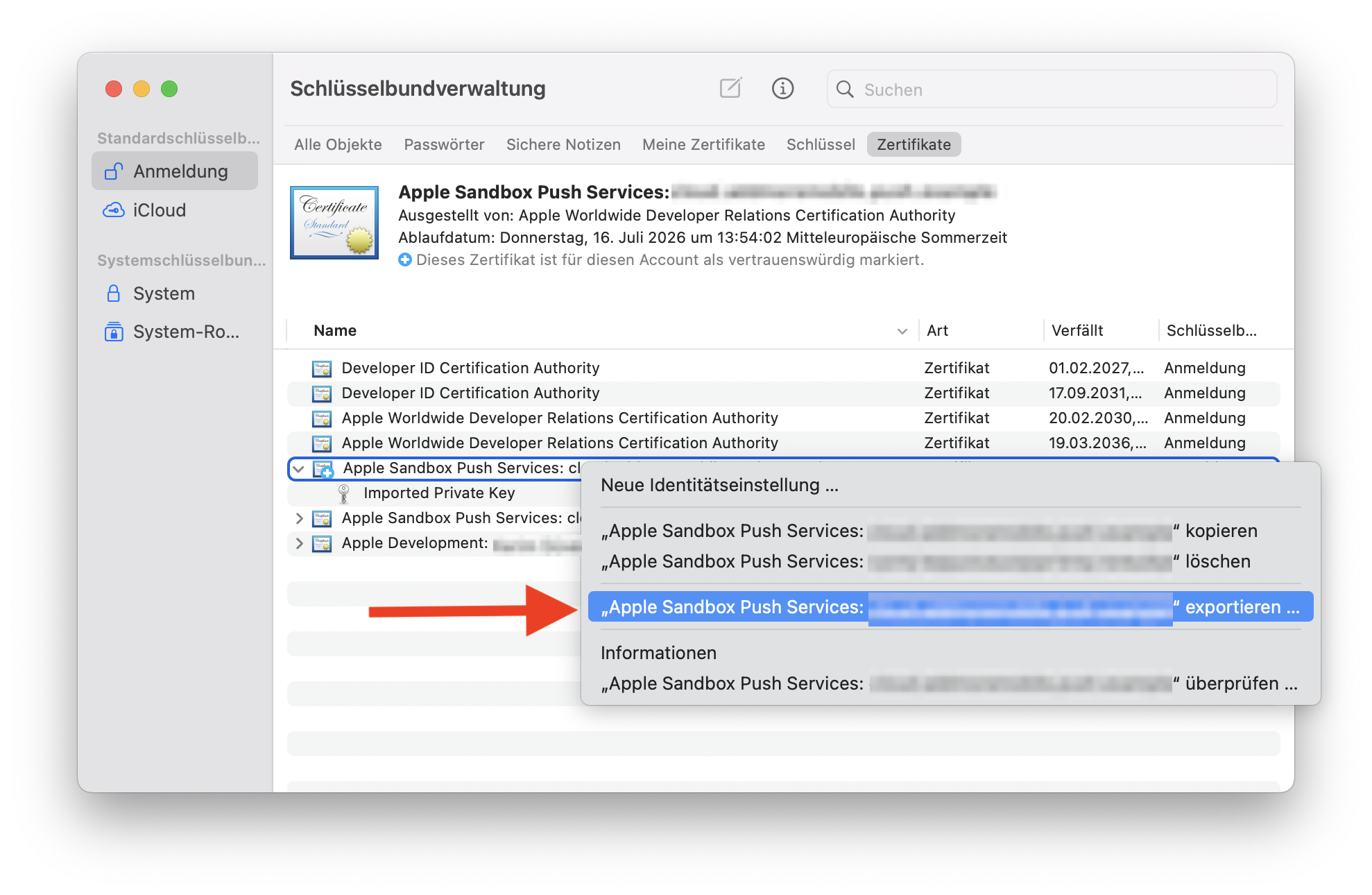
Right-click the certificate and choose Export.
-
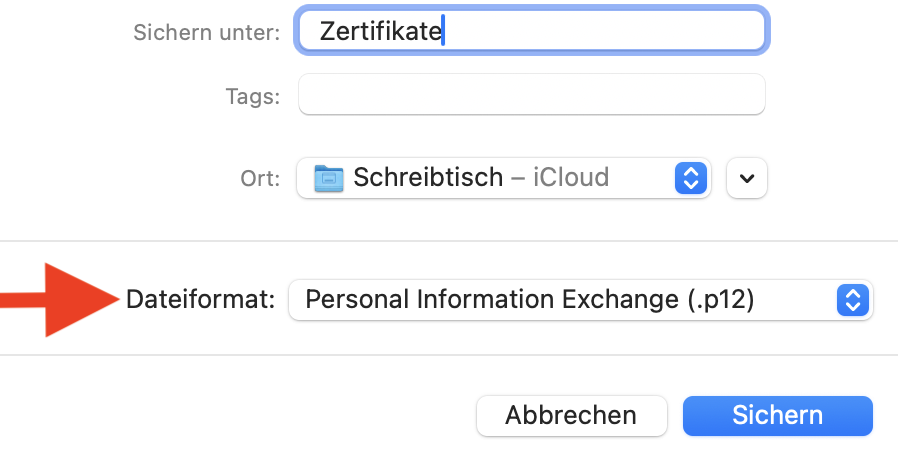
Choose a destination and set the file format to Personal Information Exchange (.p12).
-
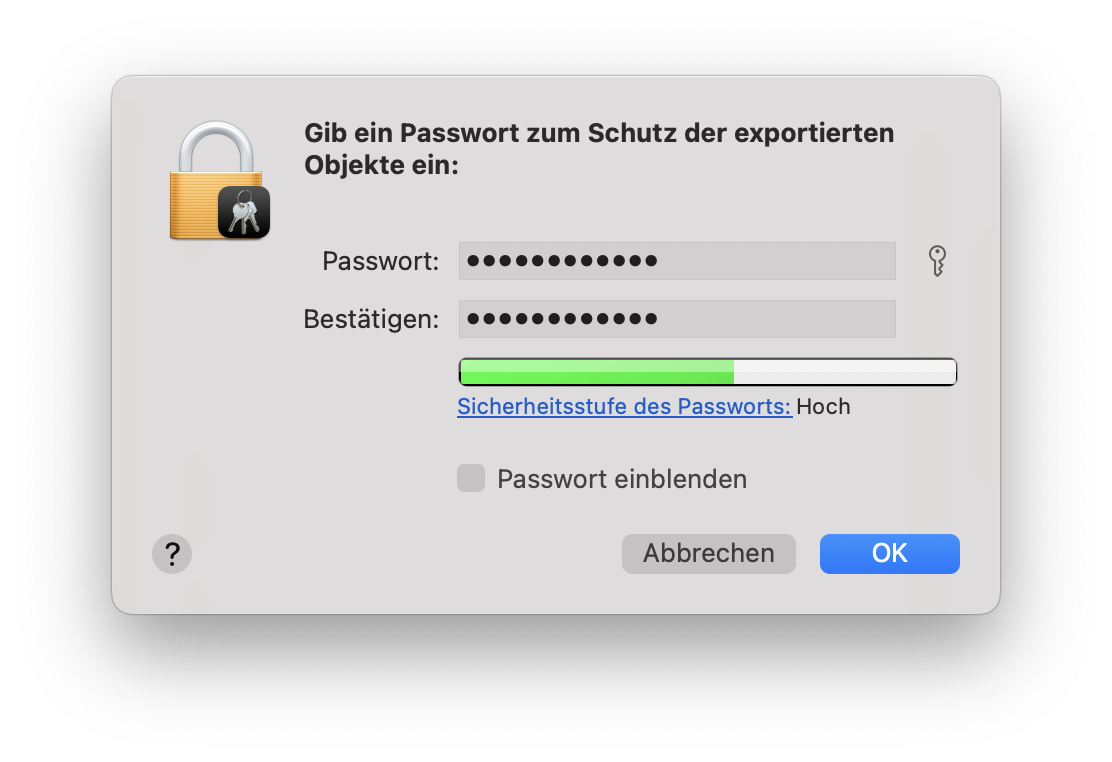
Assign a secure password. This password will be required later during import.
Uploading the Certificate to EZ-Push Console
After exporting the certificate, it must be uploaded to the EZ-Push Console.
Steps:
-
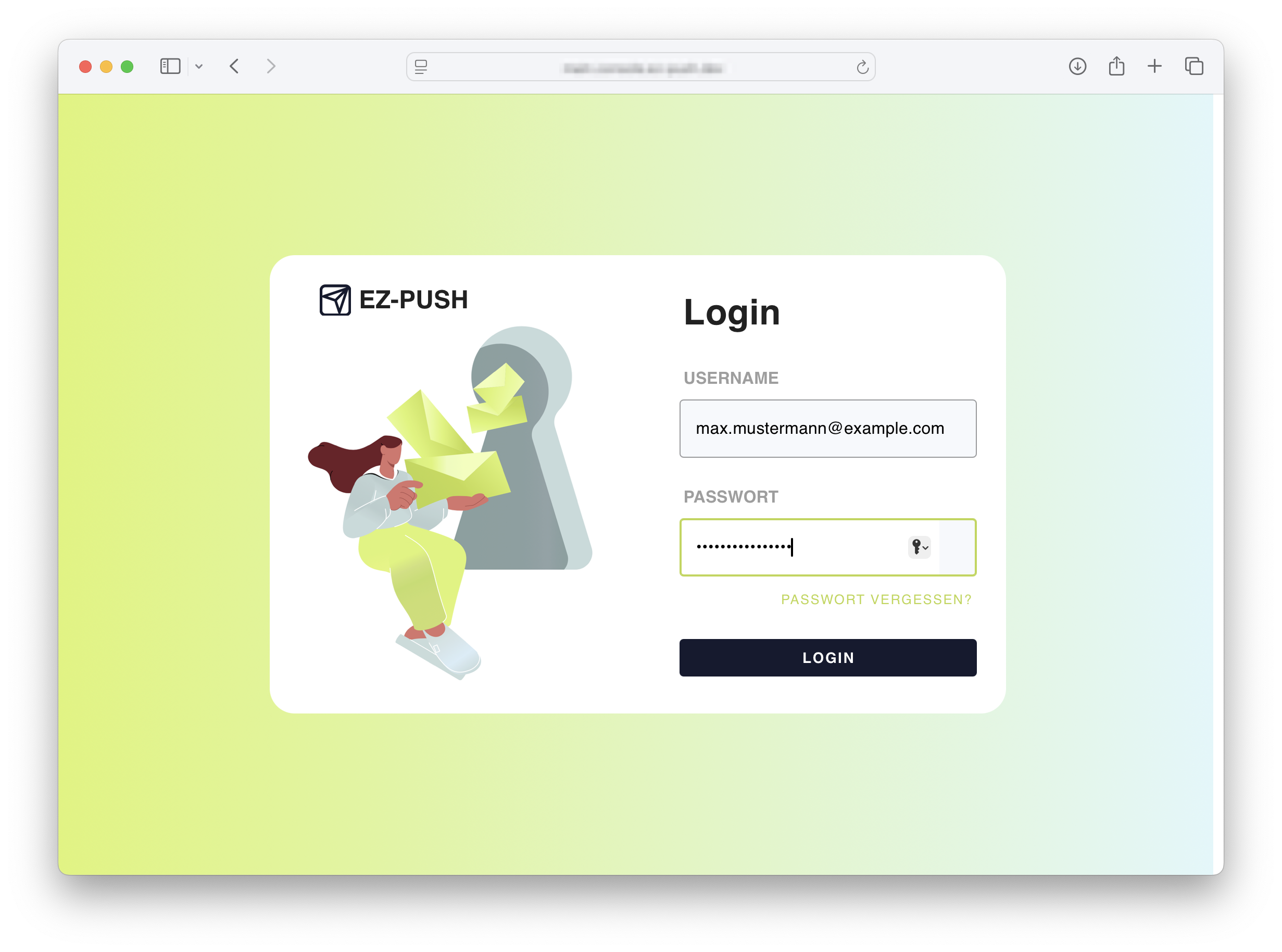
Navigate to the EZ-Push Console via the URL provided in the registration email.
-
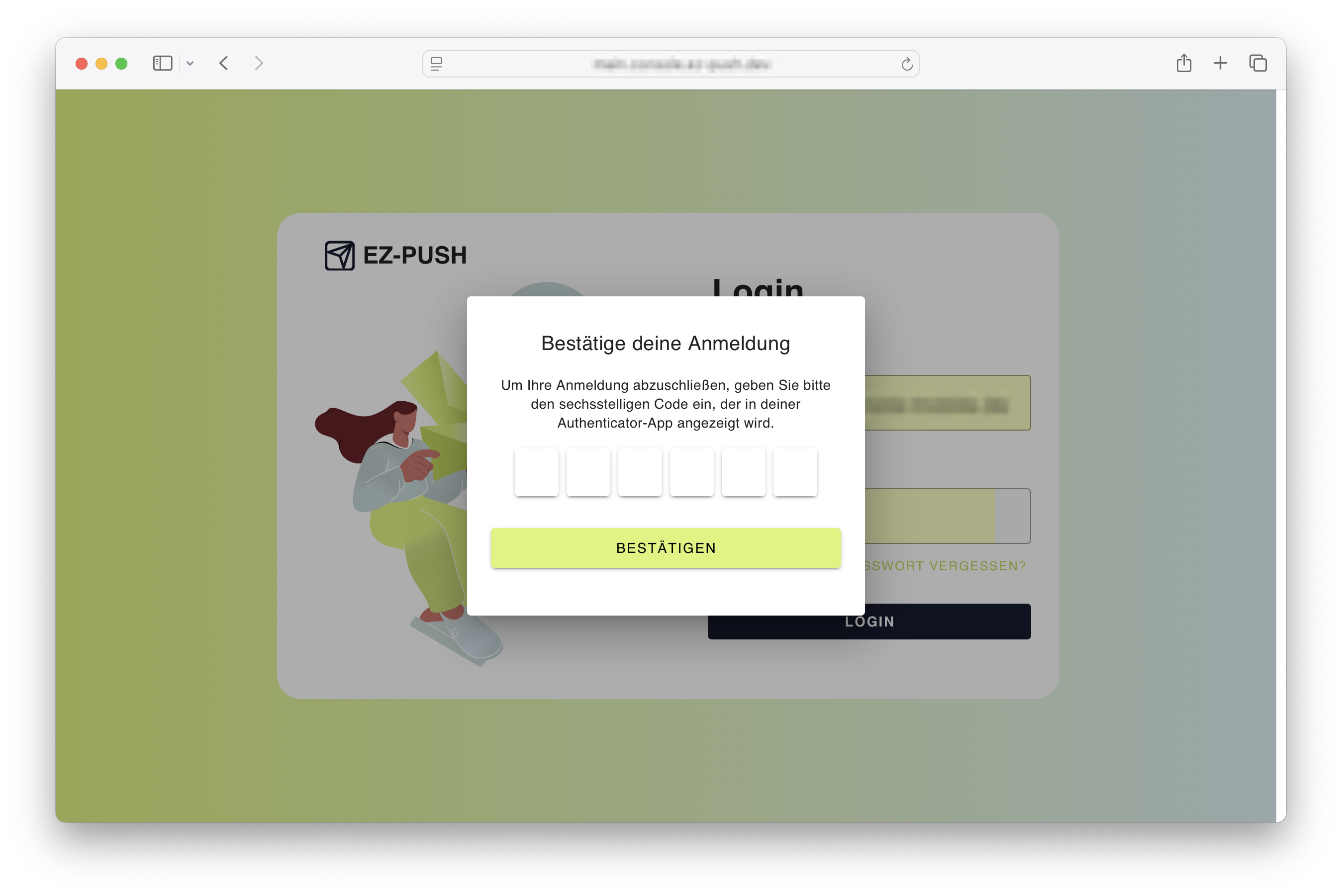
Authenticate using the 2FA code.
-
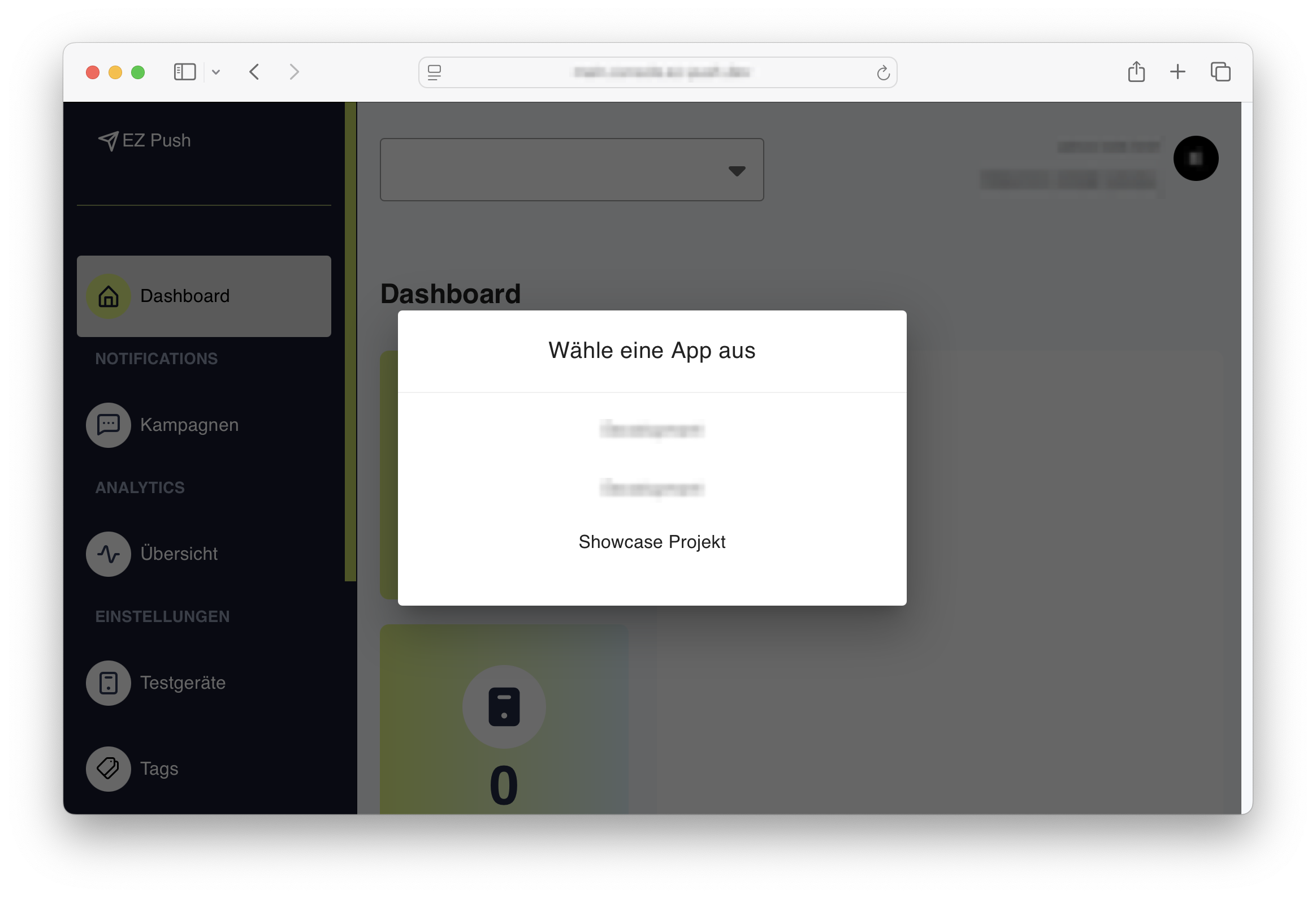
Select the application that requires APNS integration.
-
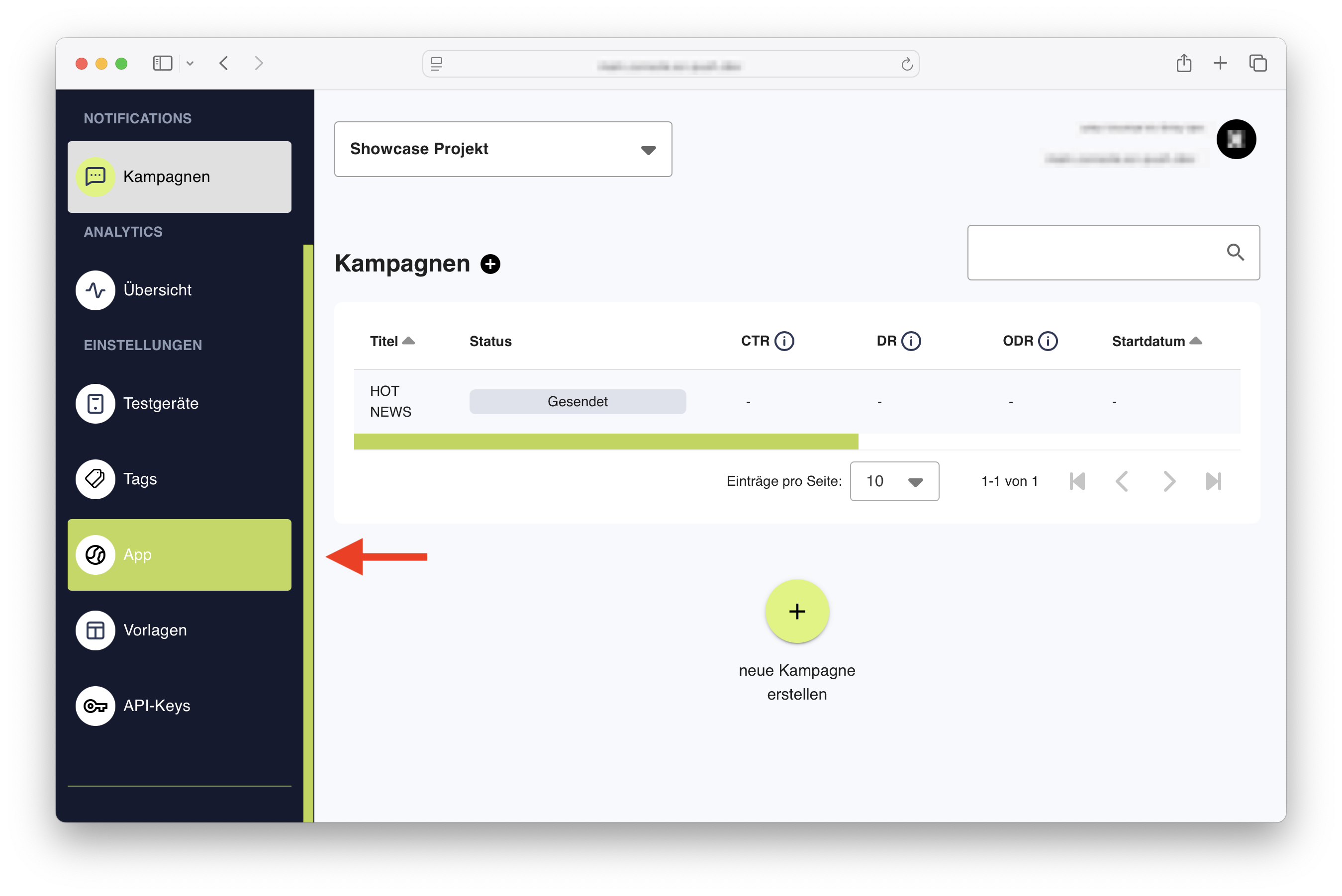
From the left-hand navigation, go to Settings > App.
-
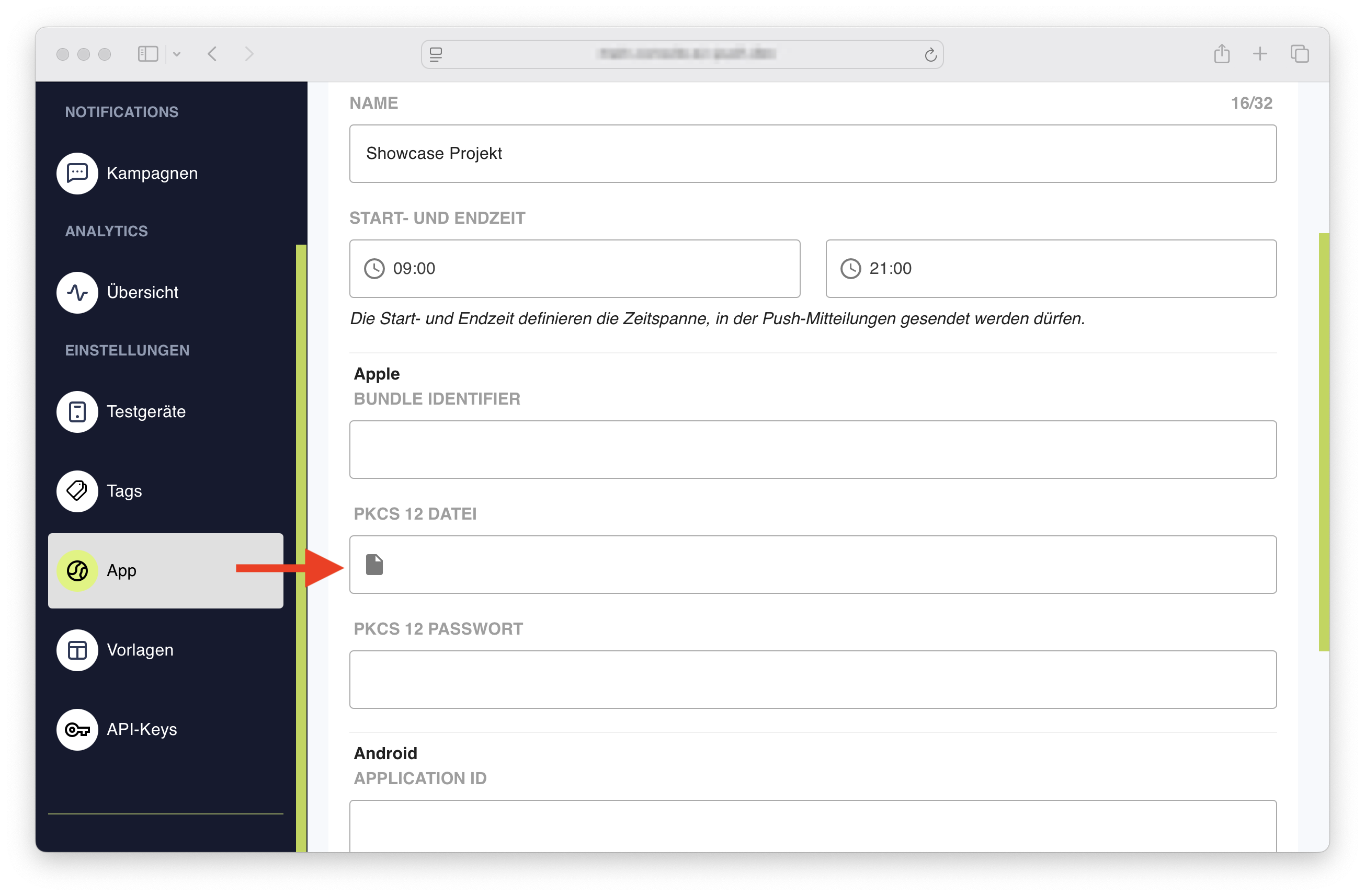
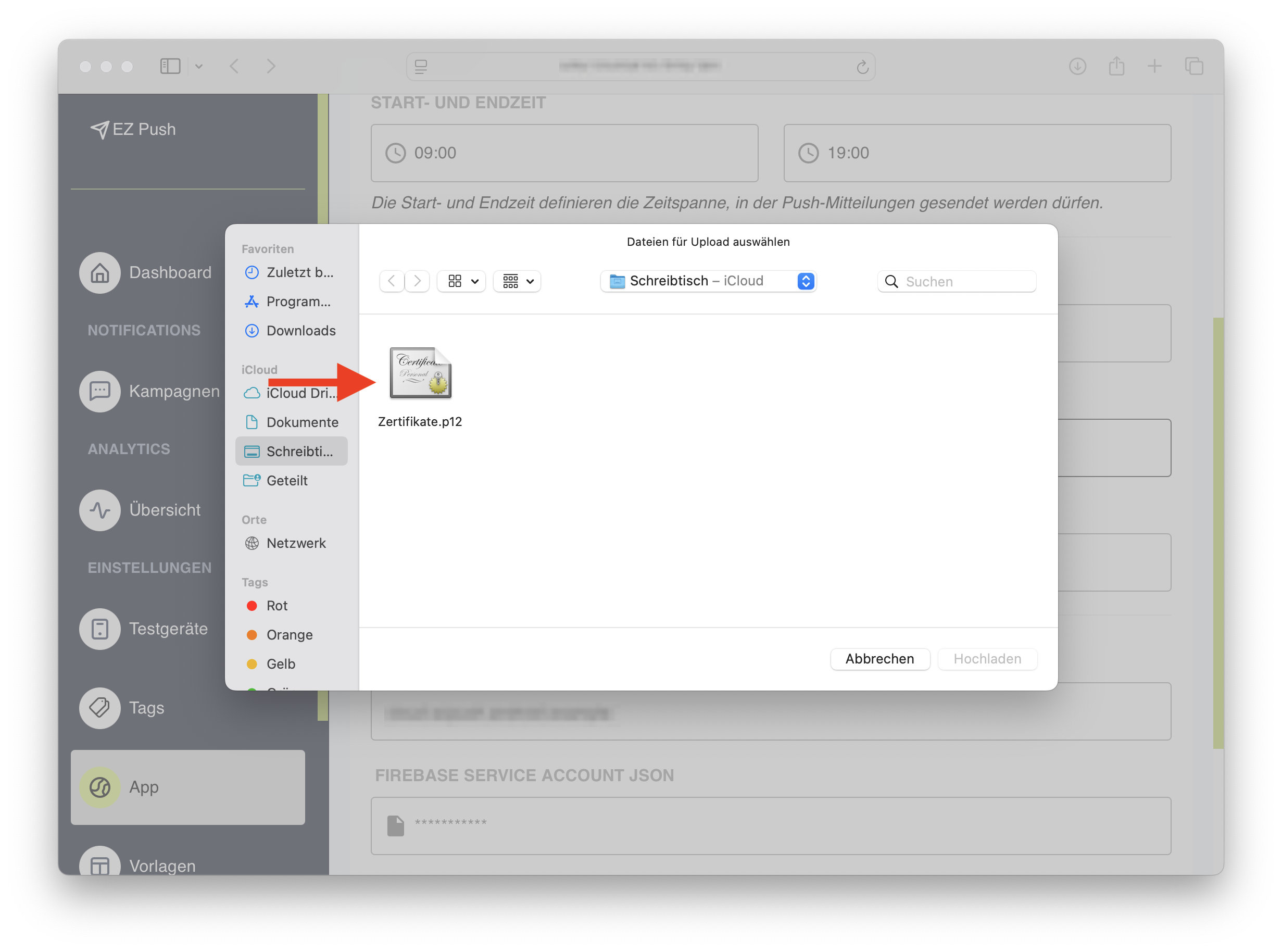
In the app settings, locate the field labeled PKCS 12 File and click to upload.
-
Select the previously exported
.p12file.
-
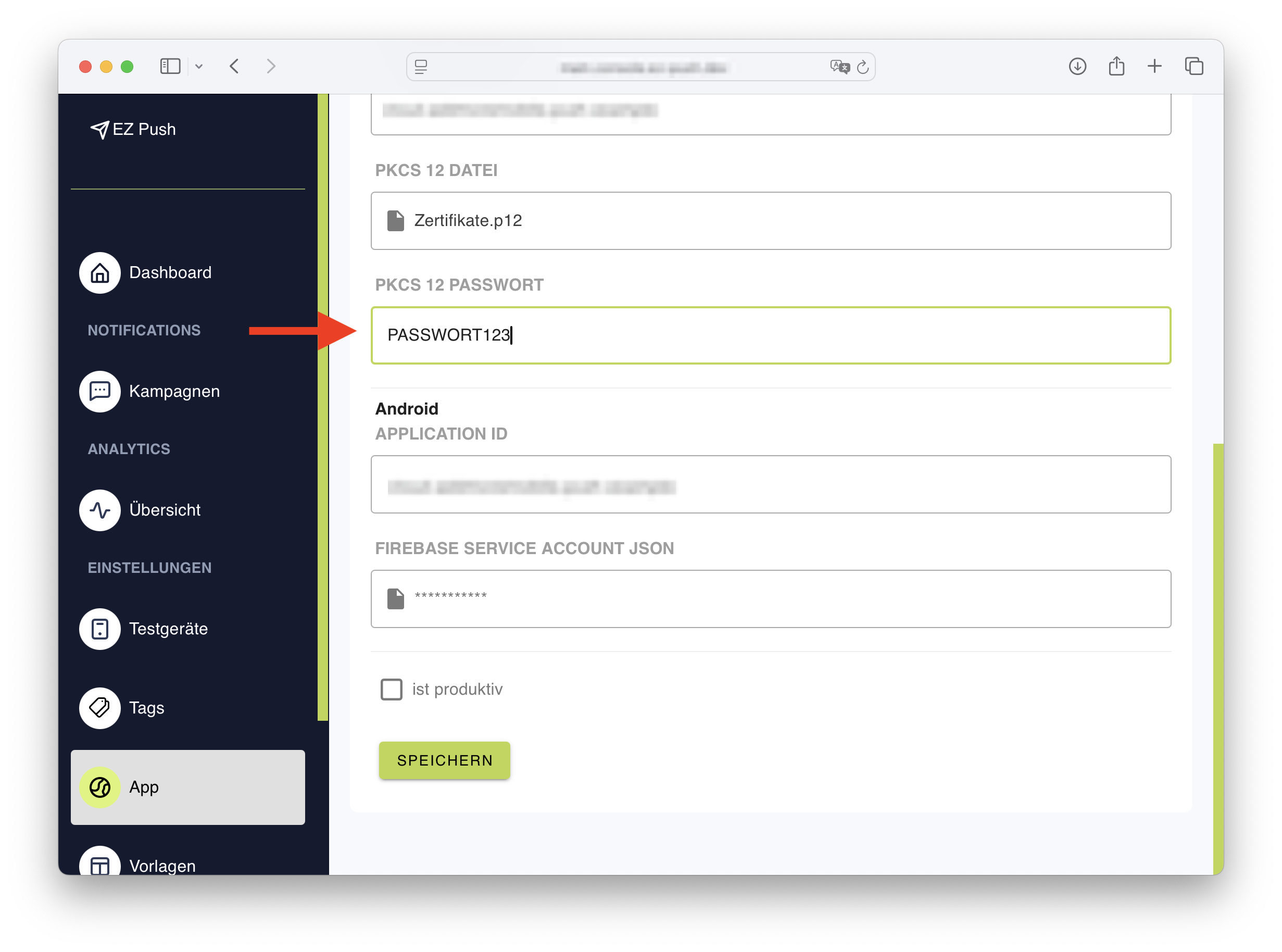
Enter the password used during certificate export.
-
Confirm the configuration by clicking Save.
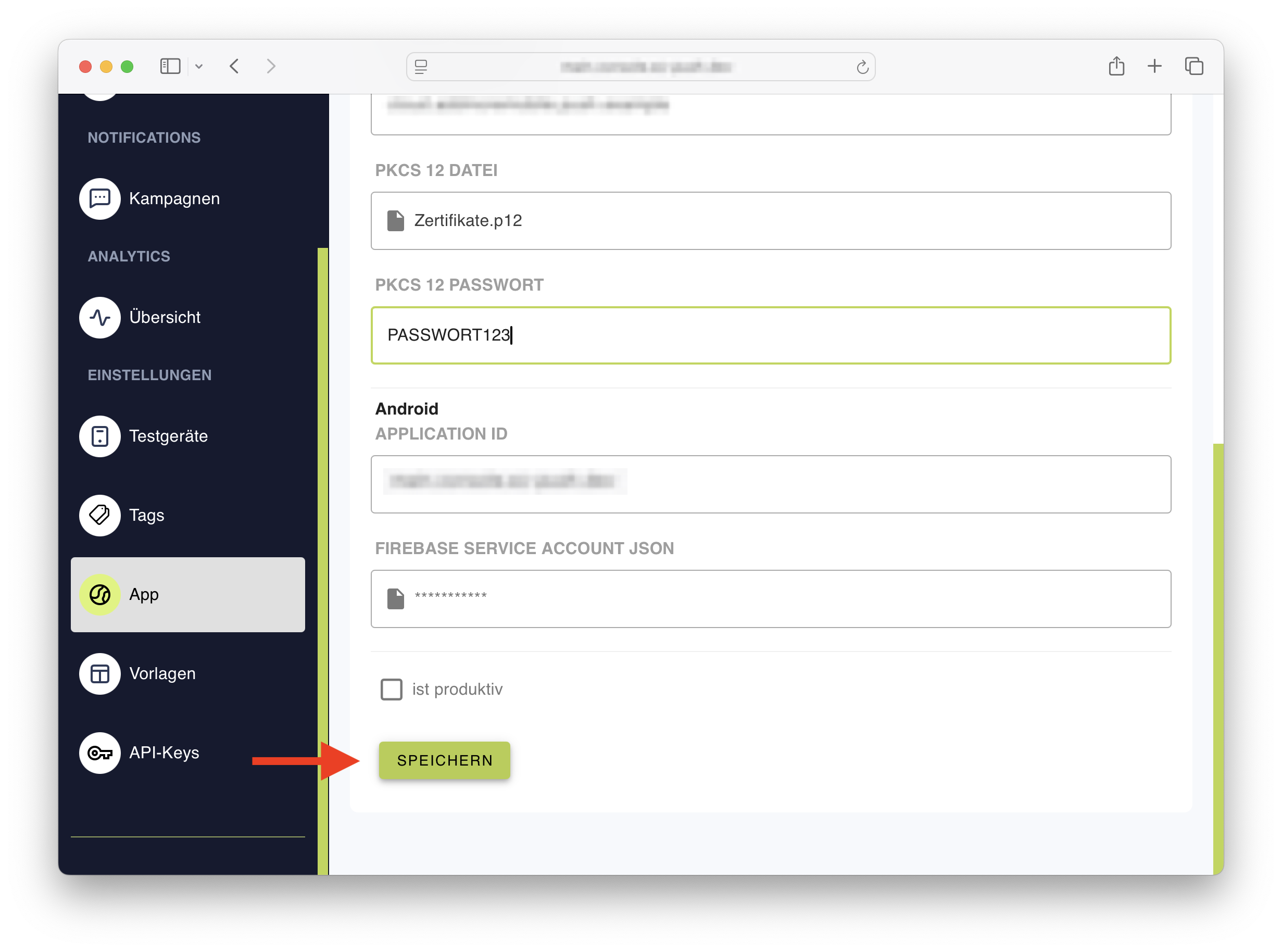
This process completes the integration of an APNS certificate with EZ-Push, enabling push notification delivery for iOS applications.